Comfort of Natural Air
Operation User Interface
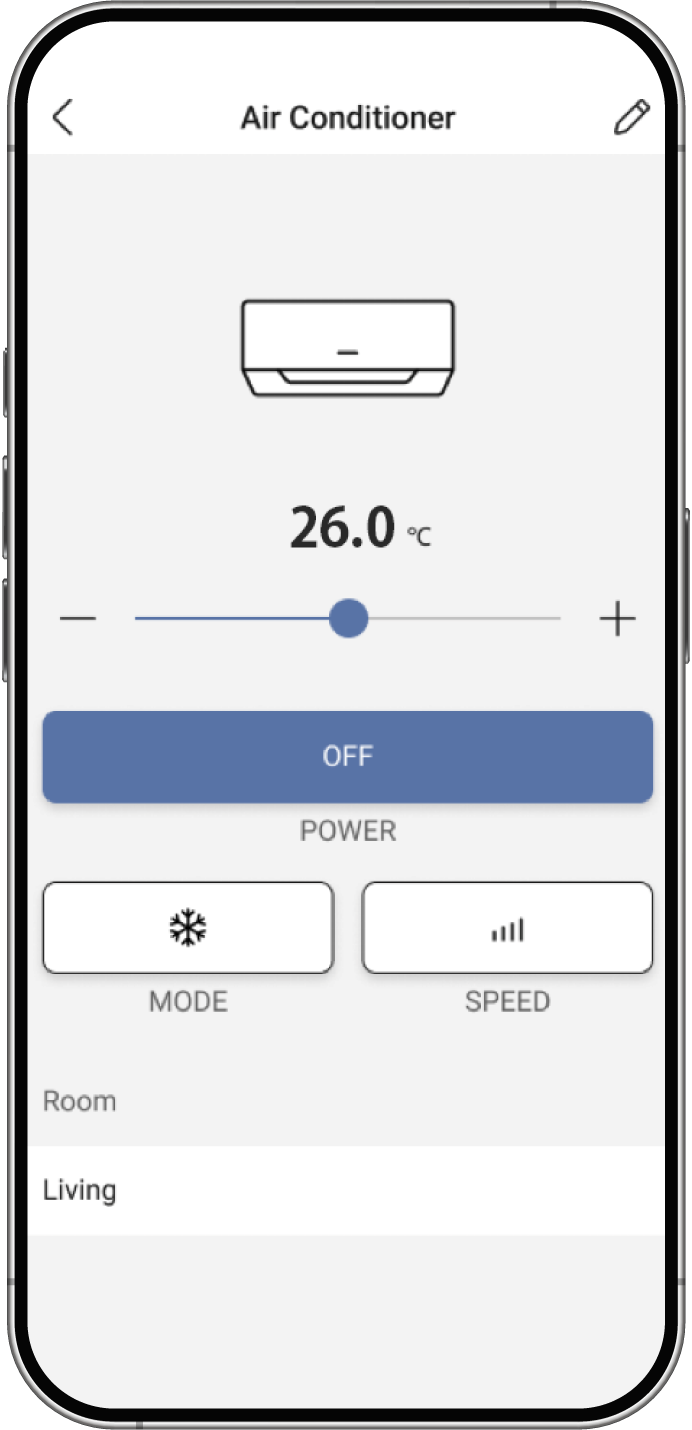
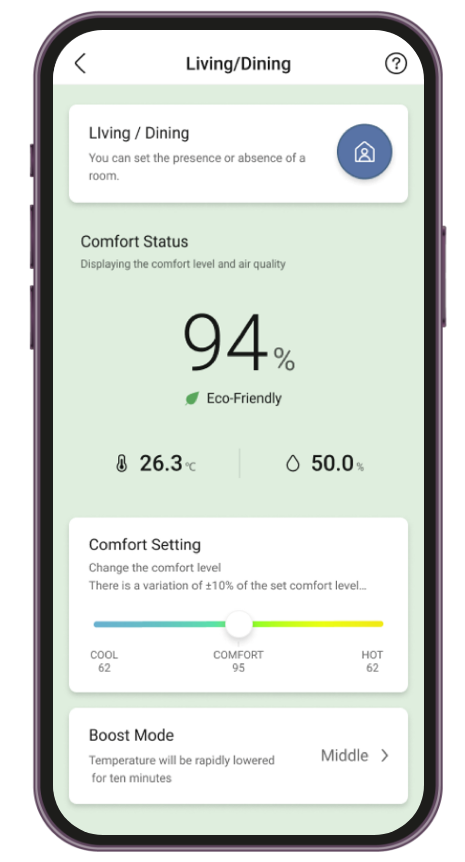
The user interface allows residents to monitor and adjust room

Comfort Level Display
It represents the percentage of people who do not feel uncomfortable based on the indoor temperature, humidity, and airflow.

Eco Status
It represents the level of energy saving for conventional usage in three levels.

Comfort Setting Adjustment
You can adjust the air conditioning settings according to your preference when you feel hot or cold. Moving the slider towards "Cool" will change the setting to lower the temperature, but it will increase power consumption.

Boost Mode
The air conditioner will temporarily increase its operation for 10 minutes to lower the temperature. Please use this feature when you want to cool down temporarily, such as after taking a shower.

"Experience Smart Living with XELLS!
Download the app today
and take control of your home effortlessly"
For iOS

For Android
